01 / Problem
The need
Inventory changes as material moves around a yard. Paper notes and delayed office updates make it difficult to know what is available and who changed a count.
Case study / Lumberyard inventory software
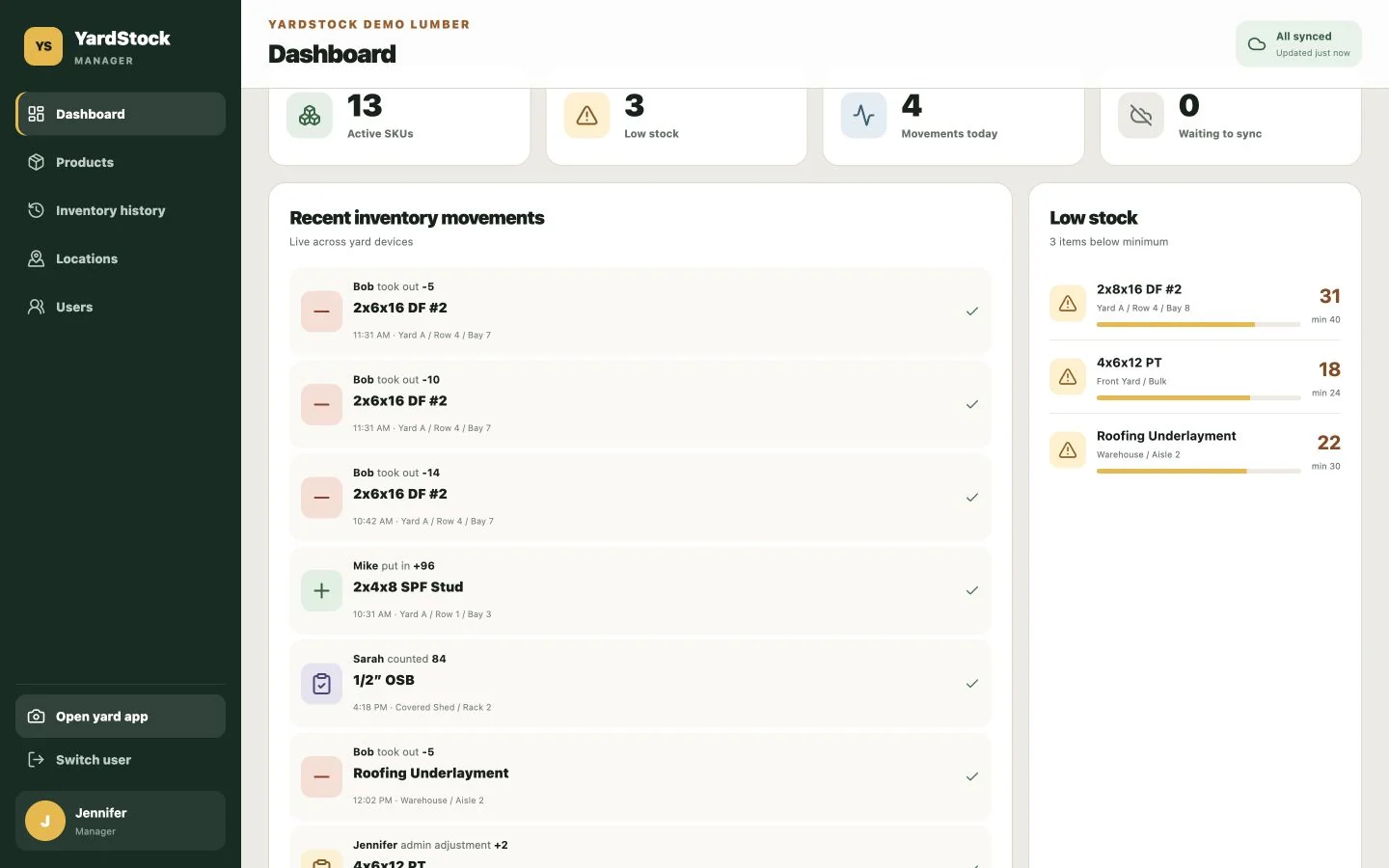
YardStock lets lumberyard crews scan a label, record material in or out, and get back to work. Managers can see stock levels and the history of each change.
The project
01 / Problem
Inventory changes as material moves around a yard. Paper notes and delayed office updates make it difficult to know what is available and who changed a count.
02 / Our approach
We designed a phone-friendly workflow around scanning a label, choosing an action, and entering a quantity. Managers get a separate view for products, locations, people, and stock history.
03 / What we built
A crew member scans or searches for a product, records stock coming in or going out, or enters a count. Pending stock changes stay on the device during a connection gap and sync when service returns.
Features
The tools and features that make this product work.
Use a phone camera and QR labels to find a product, or search the catalog.
Record material in, material out, and physical counts in a short workflow.
Queue stock changes on the device and sync them after reconnecting.
Review current stock, low-stock items, recent activity, and yard locations.
See who recorded a movement, what changed, and when it happened.
Keep each company’s inventory separate, manage crew access, and handle monthly subscriptions.
Our work
More of our work
A different business, a different set of needs.
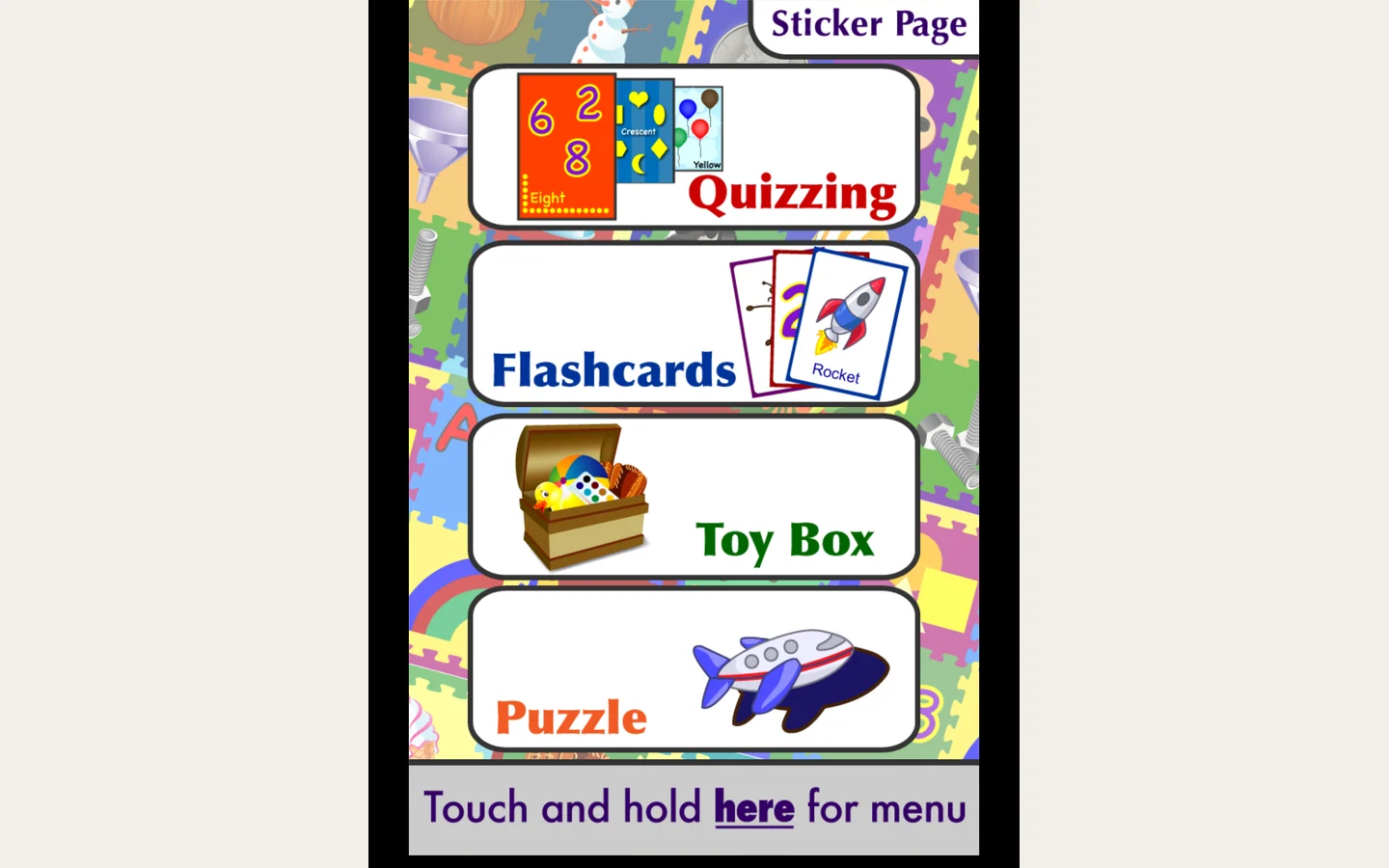
Toddler Teasers Classic restores the original Shapes game, artwork, and voices for modern Apple devices. Children can learn through quizzes, flashcards, puzzles, and free play.
View project: Toddler Teasers